
10 Best AI Video Generators in 2026 (Tested and Ranked)
We tested the top AI video generators of 2026. Here are the 10 best for realistic footage, avatars, social clips, and full videos from a script, with honest pros, cons, and pricing.
A year ago, most AI video looked like a fever dream: melting faces, hands with too many fingers, clips that fell apart after two seconds. That's changed fast. The best tools now produce footage that's genuinely usable, and a few are good enough that you'd struggle to tell they weren't filmed.
But "best" depends entirely on what you're making. A cinematic B-roll shot is a completely different job from a talking-head training video, which is nothing like a faceless YouTube short built from a script. So we tested the field and sorted the ten that actually hold up, grouped by what they're genuinely good at. Every tool here is a proper commercial product, nothing you need to self-host or wrangle yourself.
Usual caveat: the prices below are rough starting points as of mid-2026, and this space moves quickly. Check the vendor's site, and read the commercial-use terms before you use anything for a client.
How we picked
We weren't chasing the longest feature list. A few things mattered more:
- Does the footage actually look good, or good "for AI"?
- Does the motion hold together, or melt halfway through?
- Can you control the shot, or are you just rolling the dice on a prompt?
- And is it priced fairly once the free credits run out?
Here's the shortlist.
The 10 best AI video generators at a glance
| Tool | What it's best at | Starts around | Free option |
|---|---|---|---|
| Runway | All-round creative control | $15 / mo | Yes |
| OpenAI Sora | Realistic, story-driven clips | $20 / mo | Limited |
| Google Veo 3 | Photorealism with sound | $20 / mo | Limited |
| Kling AI | Lifelike human motion | $7 / mo | Yes |
| Luma Dream Machine | Fast, fluid shots | $10 / mo | Yes |
| Pika | Fun effects and social clips | $8 / mo | Yes |
| Synthesia | Talking-head and training videos | $18 / mo | Demo |
| HeyGen | Avatars and dubbing | $24 / mo | Yes |
| Hailuo AI | Cinematic shorts on a budget | $10 / mo | Yes |
| InVideo AI | Full videos from a script | $20 / mo | Yes |
1. Runway
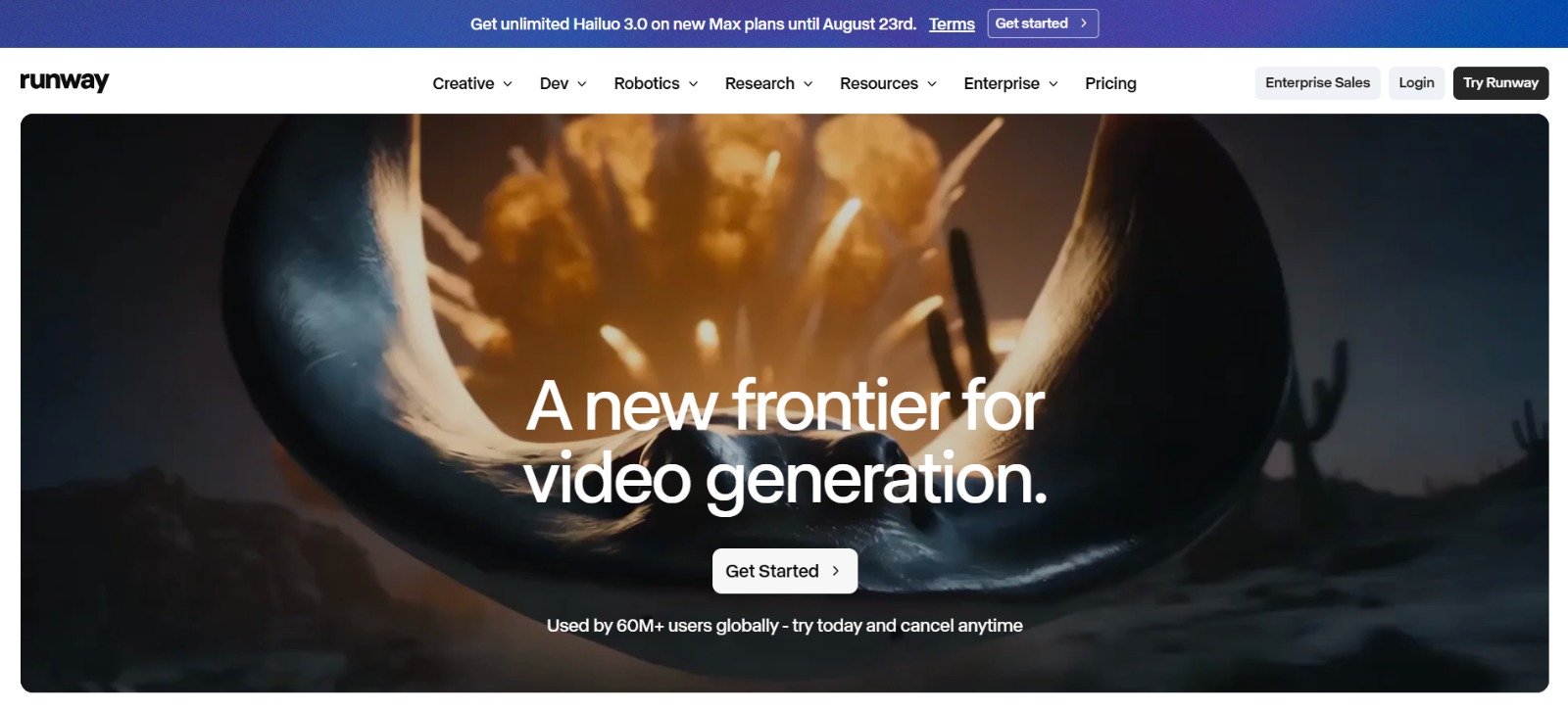
Best for: creative control across the whole workflow.
Runway has been at this longer than almost anyone, and it shows. Its latest models produce clean, controllable footage, but the real reason pros love it is everything around the generation: motion brush, camera controls, keyframes, and a proper editor. You're directing the shot, not just typing a prompt and hoping.
It's the closest thing to a real production tool on this list, which also means it rewards a bit of learning. There's a free tier with limited credits, and paid plans start at around $15 a month.
Best for: creators who want to actually direct the shot.
2. OpenAI Sora
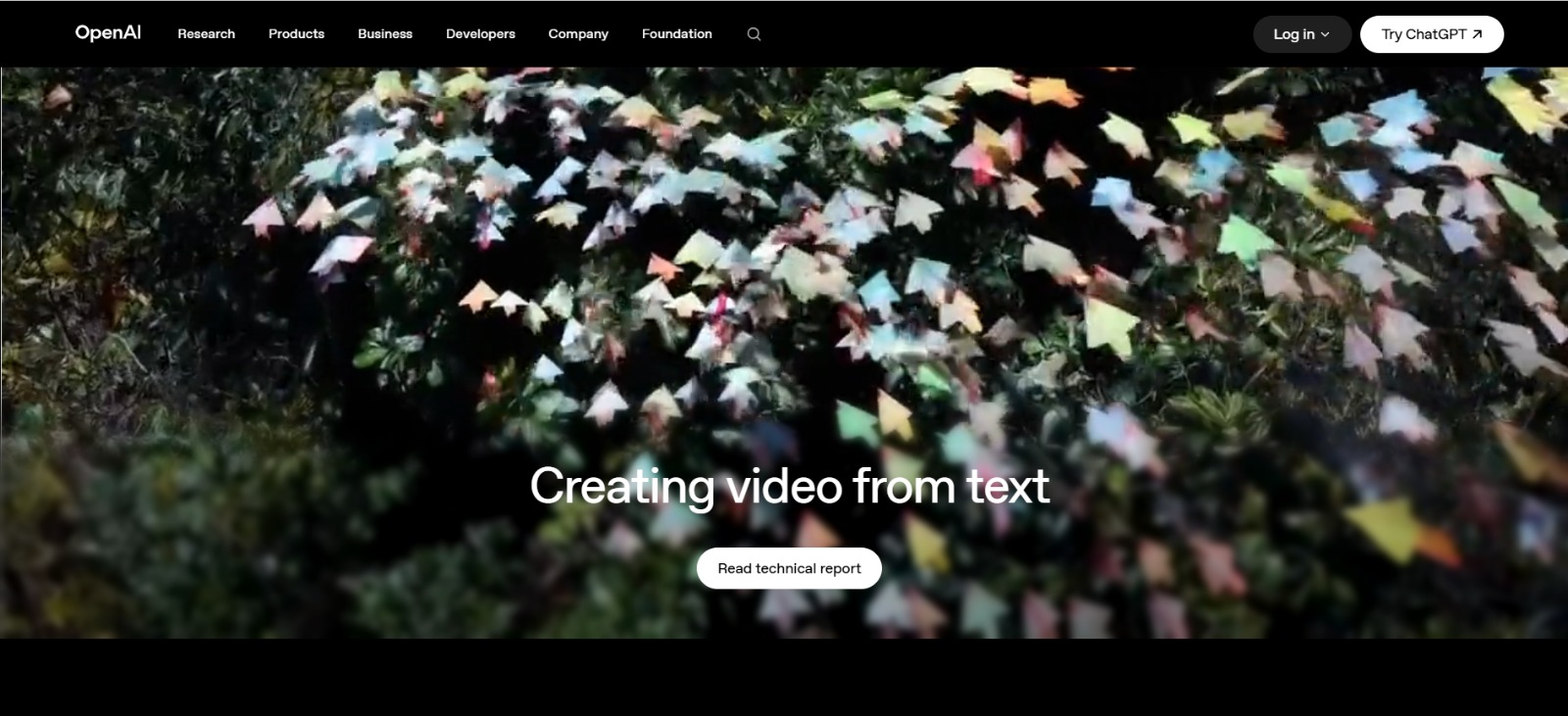
Best for: realistic, story-driven clips.
When Sora landed, it reset expectations for what text-to-video could look like. It's still one of the strongest for realism and for holding a coherent scene together over a longer clip, and it handles complex prompts with a surprising sense of physics and continuity. If you want a shot that feels filmed rather than generated, it's a top pick.
Access comes through ChatGPT, so if you already pay for Plus at around $20 a month you likely have it. The catch is availability and usage caps, and the content filters are strict.
Best for: believable, cinematic scenes from a detailed prompt.
3. Google Veo 3
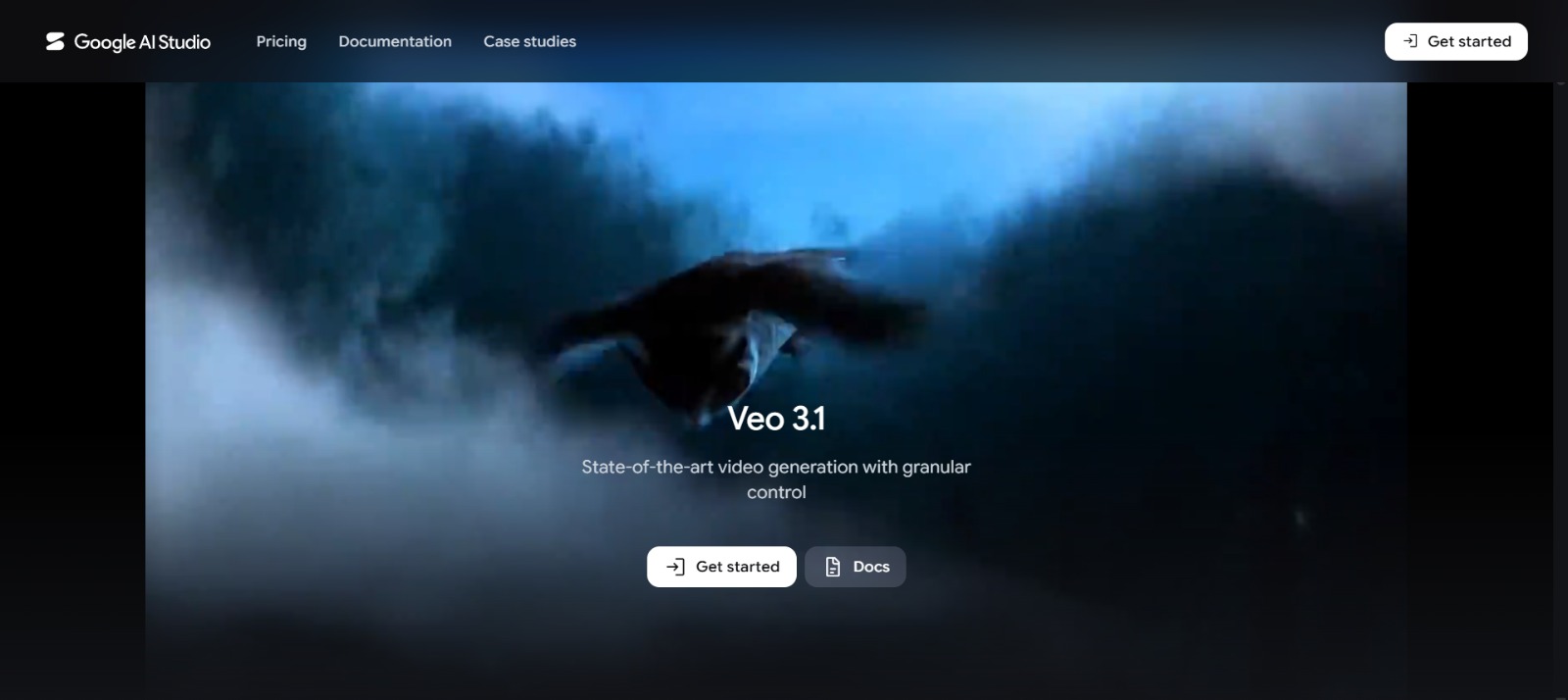
Best for: photorealism with sound built in.
Veo is Google's answer, and its headline trick is native audio, it generates matching sound effects, ambience, and even dialogue along with the video, which almost nothing else does well yet. The footage itself is gorgeous, especially realistic scenes and natural motion. For a finished clip that already has sound, it's remarkable.
You get to it through Google's AI tools (Flow and Gemini), typically on a paid Google AI plan from around $20 a month. It's newer to the party, but it's caught up quickly.
Best for: realistic clips that come with audio out of the box.
4. Kling AI
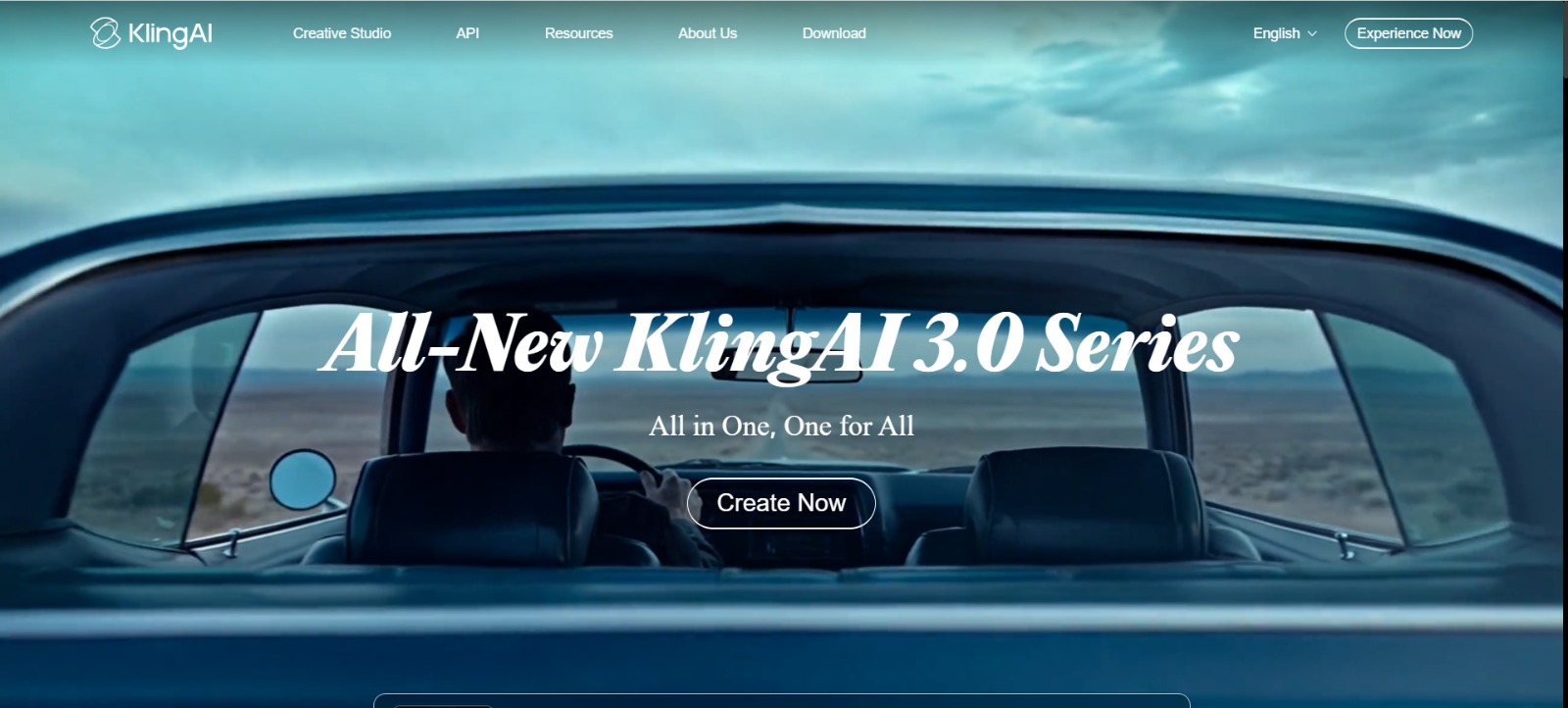
Best for: lifelike human movement.
Kling built a reputation on one thing it does exceptionally well: people who actually move like people. Bodies, faces, and gestures come out more natural than most rivals manage, which makes it a favorite for anything with humans in the frame. It also handles longer clips and image-to-video nicely.
There's a genuinely usable free tier, and paid plans start low, around $7 a month. Generation can be slower at busy times, but the quality often justifies the wait.
Best for: shots with realistic people in them.
5. Luma Dream Machine
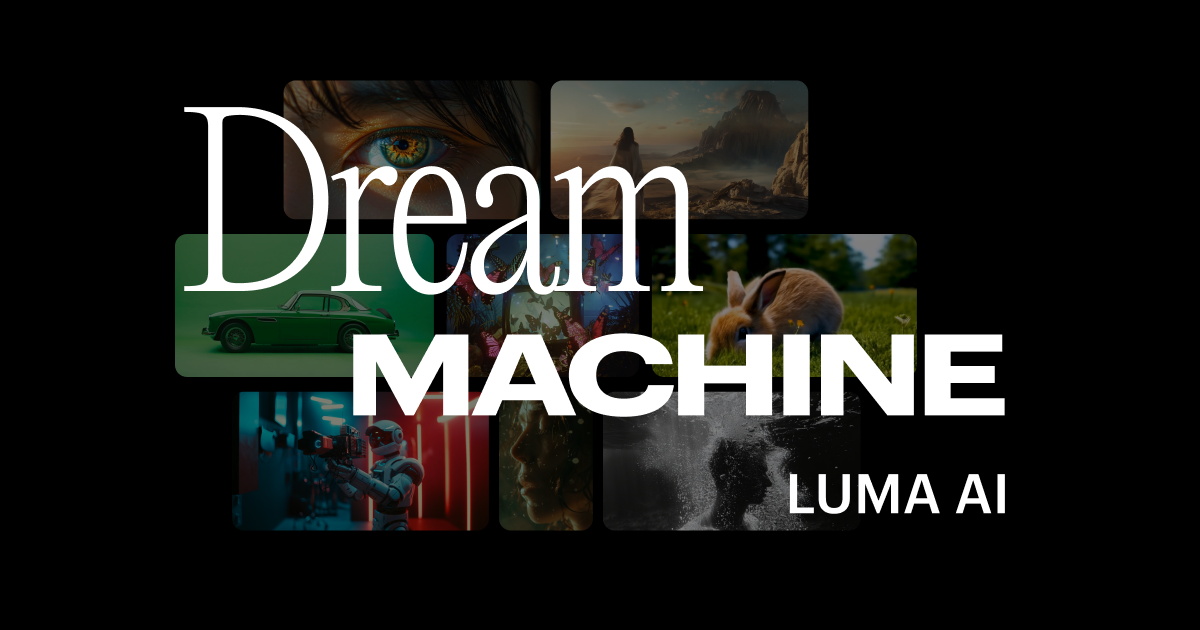
Best for: fast, smooth, fluid motion.
Luma's Dream Machine is quick and produces some of the smoothest camera motion around, which makes it great for dreamy, flowing B-roll and quick ideation. It's also just pleasant to use, you can iterate fast without a lot of setup, and image-to-video is strong.
Free to start, with paid plans from about $10 a month. It's less about fine control and more about getting a good-looking clip quickly.
Best for: smooth motion and quick iteration.
6. Pika
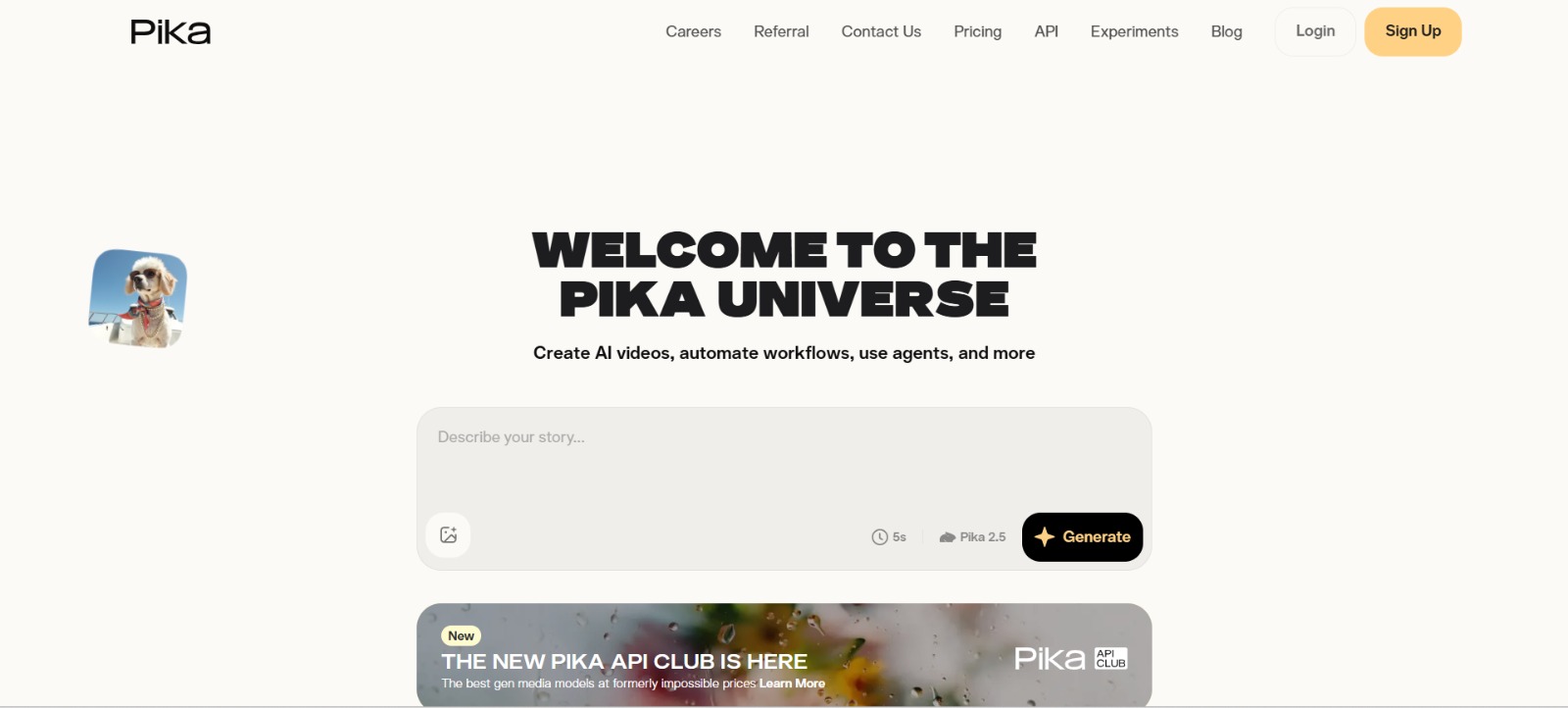
Best for: playful effects and social content.
Pika leans into fun. Its "Pikaffects" and similar features let you do things like inflate, melt, crush, or explode a subject, the kind of eye-catching, shareable clips that do well on social. It's approachable, fast, and doesn't take itself too seriously, which is exactly right for its audience.
It's not the tool for a polished cinematic sequence, but for scroll-stopping short content it's a lot of fun. Free tier available, paid from around $8 a month.
Best for: quirky, shareable social clips.
7. Synthesia
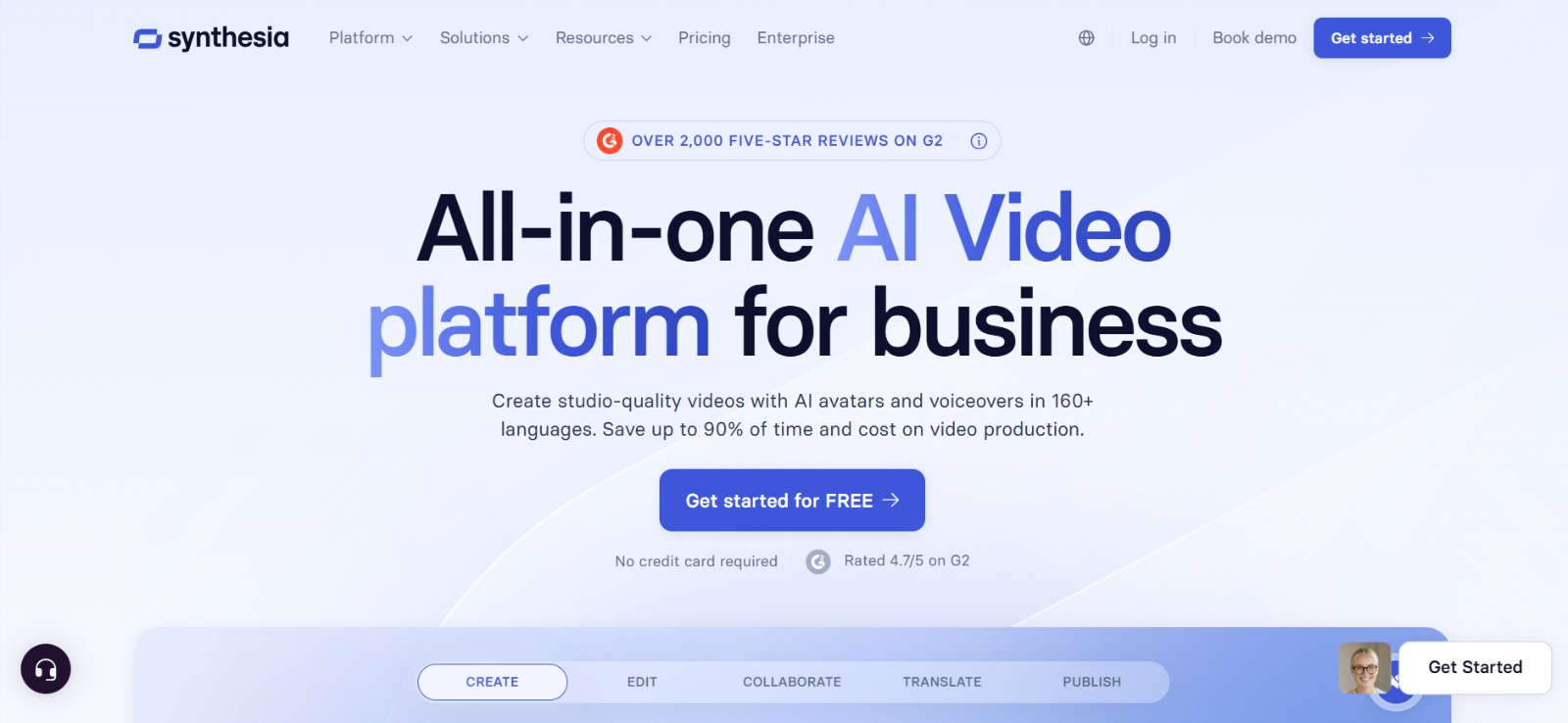
Best for: talking-head and training videos.
Synthesia is a different kind of tool. Instead of generating cinematic footage, it creates professional videos with realistic AI avatars presenting your script, in dozens of languages. For training material, explainers, product walkthroughs, and internal comms, it turns a document into a polished presenter-led video without a camera, studio, or actor.
The avatars are convincing and the platform is built for business, with templates and brand controls. Plans start around $18 a month, and there's a demo to try it.
Best for: turning scripts into presenter-led business videos.
8. HeyGen
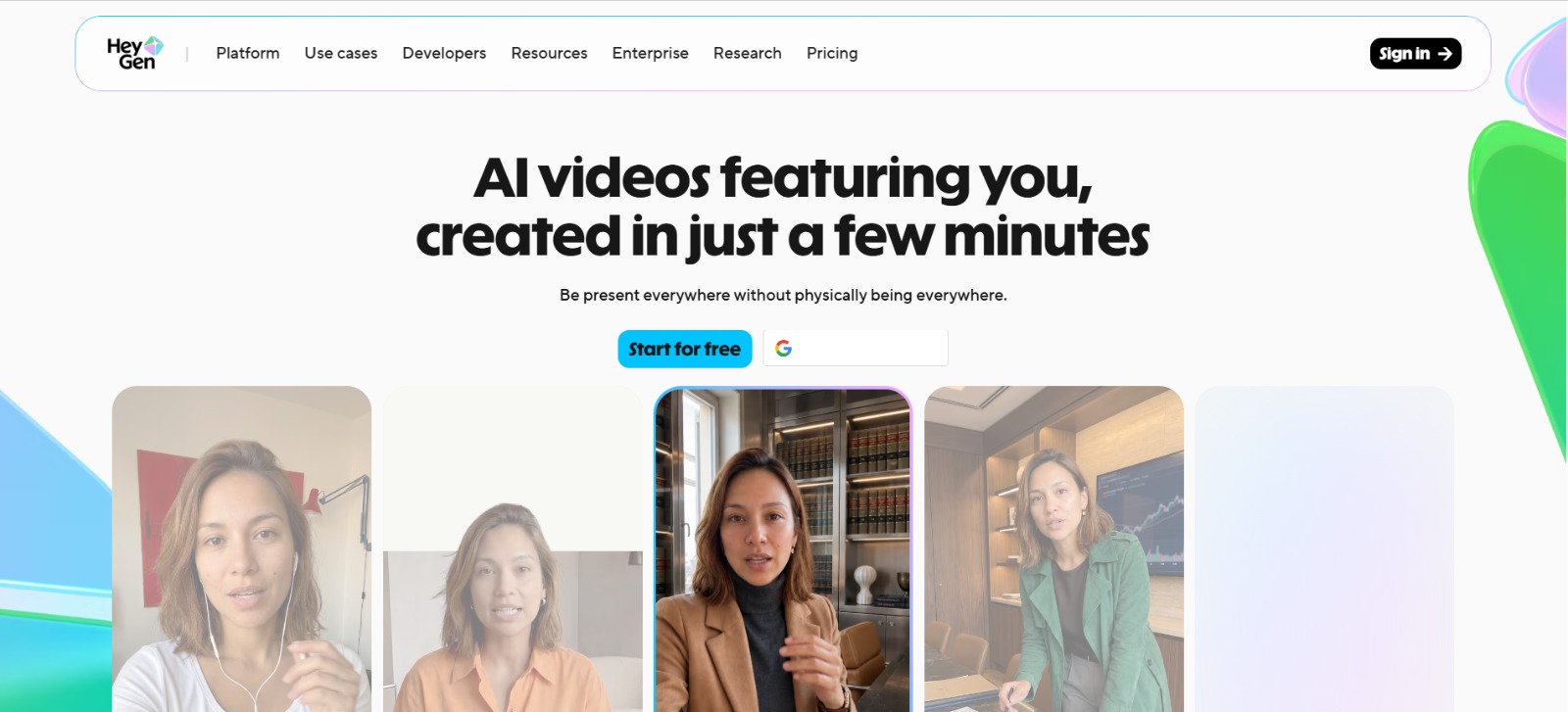
Best for: avatars and dubbing.
HeyGen plays in similar territory to Synthesia but has carved out a name for two things: creating a realistic avatar of yourself, and its outstanding video translation and dubbing, which syncs the lip movement to the new language. For creators and businesses that want to localize content or scale a personal brand without filming constantly, it's excellent.
There's a free tier to test it, and paid plans start at roughly $24 a month.
Best for: personal avatars and translating videos into other languages.
9. Hailuo AI
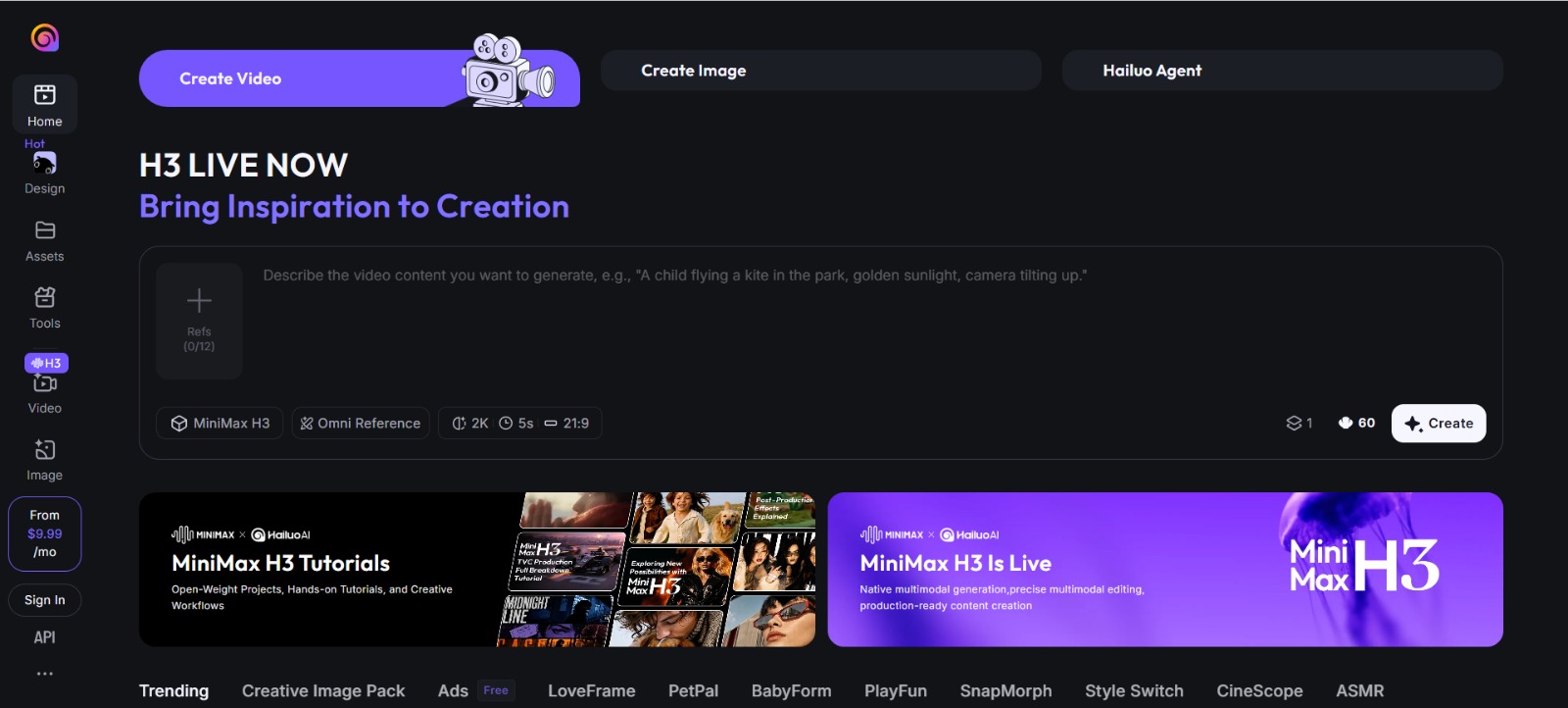
Best for: cinematic shorts on a budget.
Hailuo (from MiniMax) punches well above its price. It produces genuinely cinematic, good-looking clips with nice motion, and it's been one of the more generous tools for trying without paying. For creators who want a filmic look without a big subscription, it's an easy recommendation.
It's a touch less controllable than Runway, but the raw output is impressive for the money. Free to start, with paid plans from around $10 a month.
Best for: a cinematic look without spending much.
10. InVideo AI
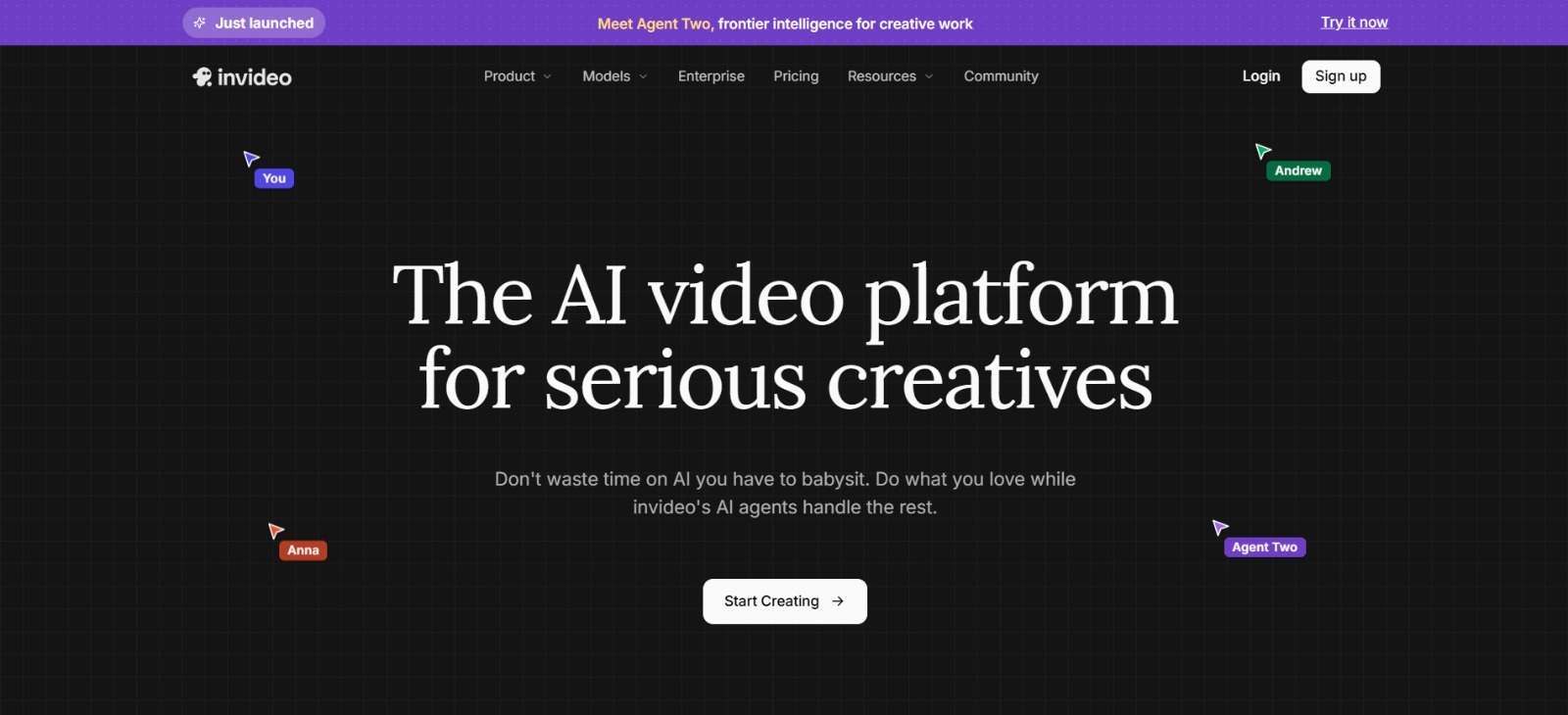
Best for: full, edited videos from a single prompt.
InVideo AI is the odd one out, and useful precisely because of it. Instead of a few seconds of generated footage, you give it a prompt or a script and it builds a complete video: scenes, stock footage, background music, transitions, and an AI voiceover, all edited together. You can then refine it with plain-text commands ("make the intro shorter," "swap this clip"). For faceless YouTube channels, ads, and social explainers, it's a huge shortcut.
The generated clips are more stock-and-assembly than pure AI cinema, but as an end-to-end video maker it's genuinely fast. Free tier available, paid from about $20 a month.
Best for: marketers and faceless-channel creators who want a finished video, fast.
So which one should you actually use?
Skipped to the end? Fair enough:
- Want the most control over the shot? Runway.
- After the most realistic, filmed-looking clips? Sora or Google Veo 3.
- Lots of realistic people on screen? Kling.
- Fast, smooth B-roll? Luma.
- Fun social effects? Pika.
- Presenter-led training or explainer videos? Synthesia.
- A personal avatar or translated videos? HeyGen.
- Cinematic look on a tight budget? Hailuo.
- A whole finished video from a script? InVideo AI.
Honestly, a lot of people end up pairing two: something like Runway or Veo for the hero shots, and a tool like InVideo or a normal editor to stitch everything into a finished piece. The free tiers make it painless to test a few, so run your own idea through two or three before you commit. That'll tell you more than any review, ours included.
A few common questions
What's the best AI video generator right now? For pure quality, Sora and Google Veo 3 are at the front, with Runway close behind and far more control. But the honest answer depends on the job, Synthesia and HeyGen win for avatar videos, InVideo for full edited content.
Which ones are actually free? Runway, Kling, Luma, Pika, HeyGen, Hailuo, and InVideo all have free tiers worth trying. Sora and Veo are more limited, usually bundled into a paid AI subscription.
Can I use AI-generated video commercially? Usually on paid plans, but check first. Terms vary a lot between tools, and some free tiers restrict commercial use or add watermarks. Always read the specific plan's licensing.
What's the best tool for talking-head or training videos? Synthesia and HeyGen are purpose-built for it, with realistic avatars that present your script in many languages.
How long can AI-generated clips be? Most generative tools produce short clips (a few seconds to under a minute) that you stitch together. Tools like InVideo AI and the avatar platforms can output much longer, full-length videos.
One last thing
The best AI video generator is simply the one that fits what you're making and how you work. Pick two or three from this list, spend an afternoon with their free versions, and you'll know pretty quickly which one clicks.
Great video helps your content land, but getting it seen is a different game, and that comes down to authority. If you'd like the pages behind your videos to actually rank, grab a free backlink audit and we'll show you how to build the links that put your content in front of more people.