10 Best AI Image Generators in 2026 (Tested and Ranked)
We tested the top AI image generators of 2026. Here are the 10 best for photorealism, text, product shots, and design, with honest pros, cons, and pricing.
We've lost count of how many AI image tools we've run through over the past couple of years. Most of them blur together. A handful are genuinely worth paying for, and the honest answer to "which one is best?" is: it depends entirely on what you're trying to make.
A poster with text is a completely different job from a product shot, which is nothing like a piece of concept art. So instead of crowning a single winner, we tested the field and sorted the ten that actually earn their keep by what they're good at. Every tool here is a proper commercial product too, no fiddling with self-hosted, open-source setups required.
One quick housekeeping note before we start: the prices below are rough starting points as of mid-2026, and they change often. Check the vendor's site, and pay attention to the commercial-use terms if you're creating anything for a client.
How we picked
We weren't looking for the tool with the longest feature list. We cared about a few things that actually matter day to day:
- Does the output look good enough to use without hours of cleanup?
- Does it actually make what you asked for, or something loosely inspired by it?
- Can you edit an image after the fact without starting over?
- And is the pricing fair once you move past the free trial?
With that out of the way, here's the shortlist.
The 10 best AI image generators at a glance
| Tool | What it's best at | Starts around | Free option |
|---|---|---|---|
| Midjourney | Best-looking images overall | $10 / mo | No |
| Reve | Nailing your exact prompt | $7.99 / mo | Yes |
| Photoroom | Product and e-commerce shots | $9.99 / mo | Yes |
| Picsart | Fast social content | $5 / mo | Yes |
| Ideogram | Readable text in images | $8 / mo | Yes |
| Leonardo AI | Game and concept assets | $10 / mo | Yes |
| Recraft | Vectors and brand design | $10 / mo | Yes |
| Canva Magic Media | Non-designers | Free in Canva | Yes |
| Krea AI | Real-time work and upscaling | $10 / mo | Yes |
| Freepik (Magnific) | An affordable all-rounder | $5 / mo | Yes |
1. Midjourney
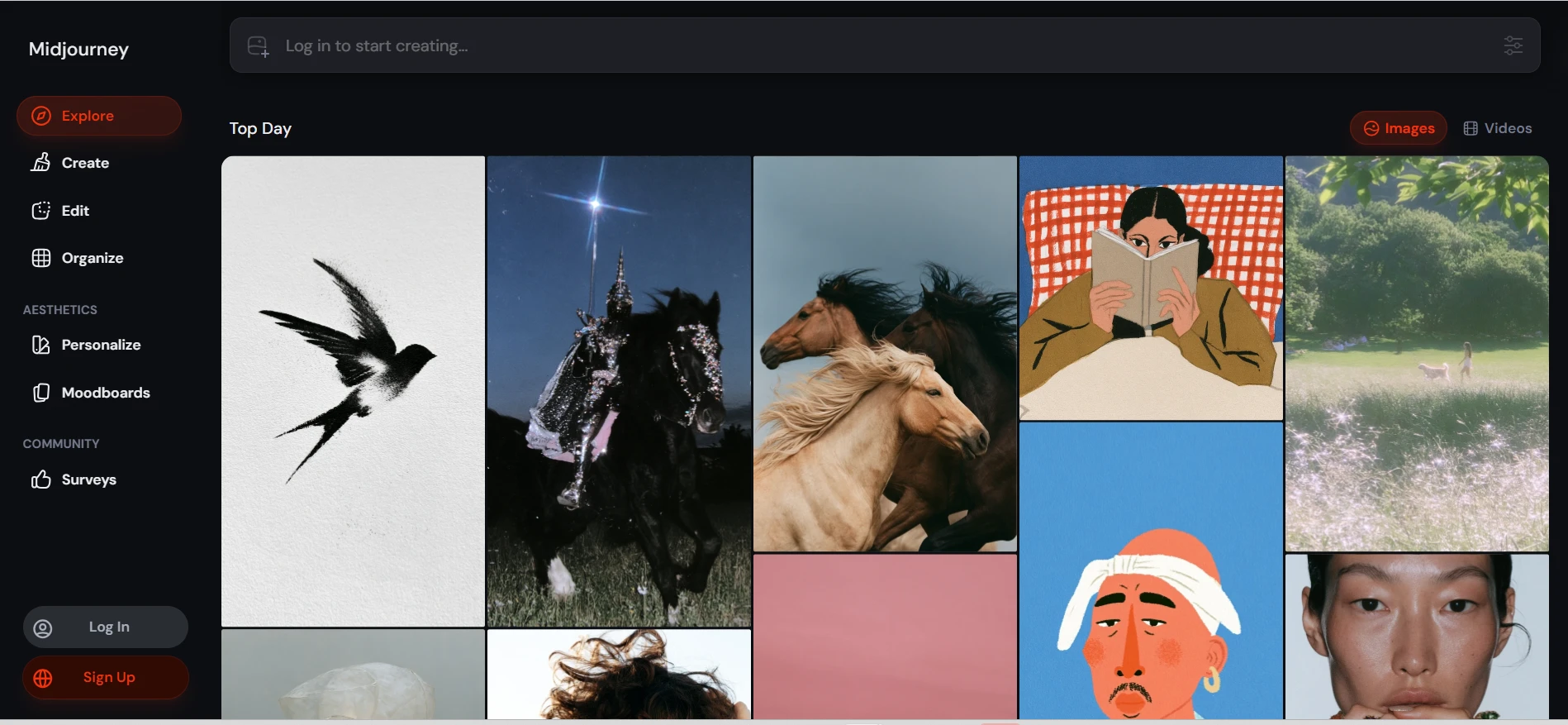
If you just want the best-looking image, this is still the one to beat. Midjourney has a certain taste to its output that the others keep chasing and rarely match, especially on anything stylized or artistic. Its newer models also fixed a lot of the old complaints about realism and mangled text, so it's less of a one-trick pony than it used to be.
What keeps professionals coming back is the control. Style references let you lock a consistent look across a whole set of images, which matters a lot when you're building a campaign rather than a one-off. And now that there's a real web app, you no longer have to live inside Discord to use it, which was honestly the biggest barrier for new people.
The catch? There's no free trial anymore, and on the cheaper plans your images are public by default. Plans start at about $10 a month.
Best for: anyone who cares most about how the final image actually looks.
2. Reve
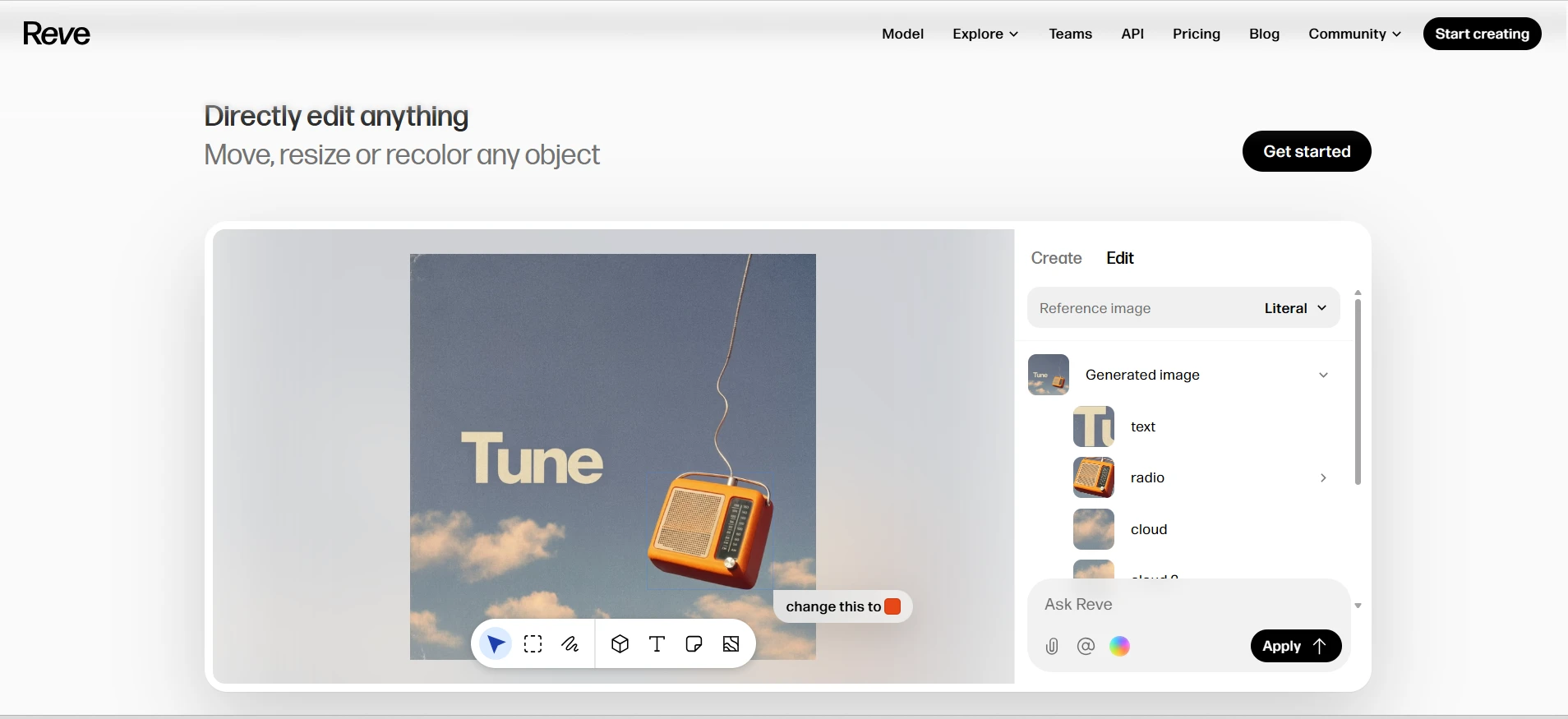
Reve is the tool we reach for when a prompt has a lot going on. Give it something fiddly, a specific object in a specific place, doing a specific thing, and it gets the details right far more often than most of its rivals. If you've ever fought a generator that ignored half your instructions, you'll feel the difference immediately.
The editing is the part that surprised us. Instead of masks and sliders, you basically leave sticky notes on the image ("make the radio orange," "move this to the left") and it applies them cleanly. Pair that with genuinely legible text and it feels like a more modern way to work.
It's newer and less famous than the big names, and there's no pay-as-you-go option yet, only subscriptions. There's a free plan to test it, with paid tiers from around $7.99 a month.
Best for: getting exactly what you described, not a rough approximation.
3. Photoroom
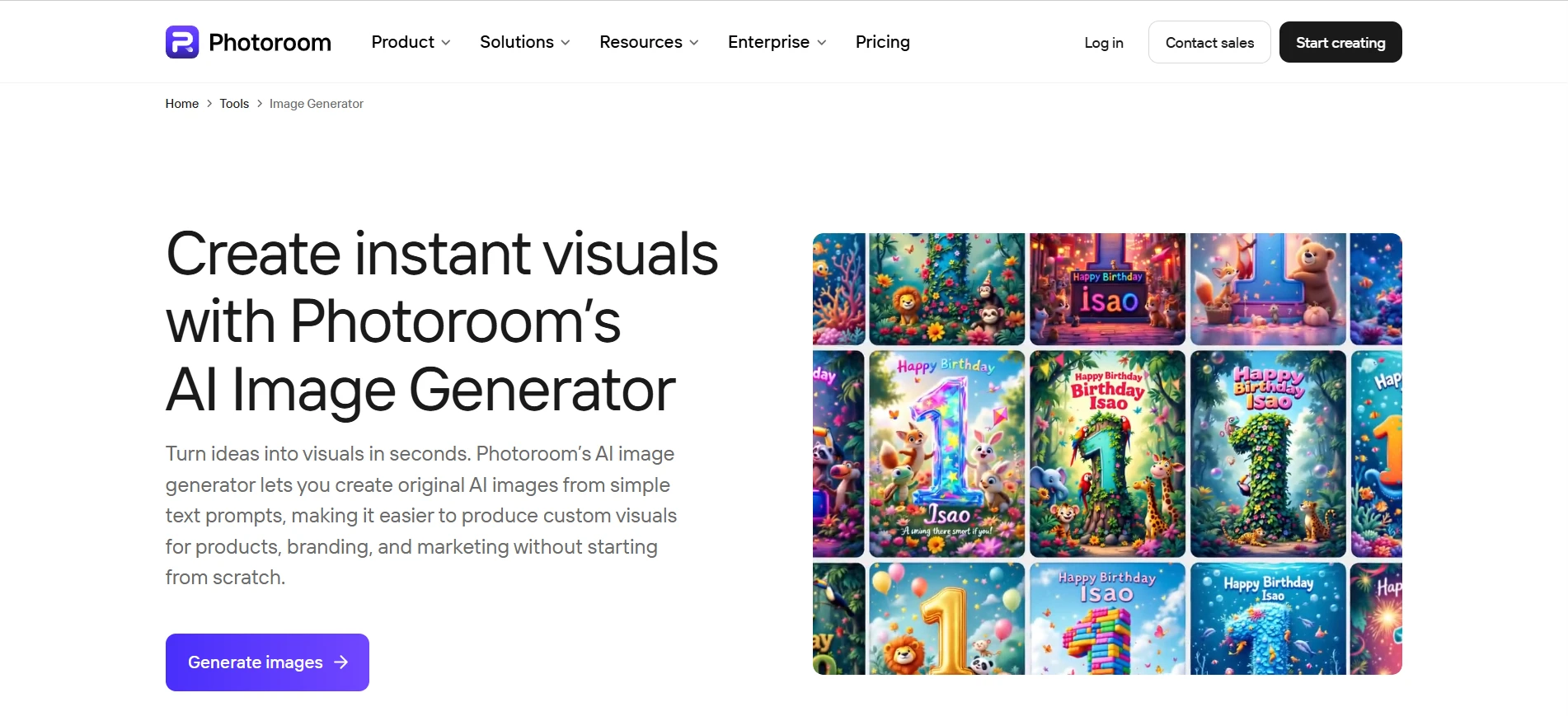
Photoroom does one job and does it really well: making product photos that sell. Drop in a plain shot of whatever you're selling, and it strips the background and drops the item into a clean, professional-looking scene in seconds. For anyone running a Shopify store or listing on a marketplace, it turns a phone snap into something catalog-ready without opening Photoshop once.
It's more than a background remover, too. The relighting, shadow generation, and batch editing mean you can run an entire product catalog through it instead of editing one image at a time. That focus is exactly why it's here and why a general-purpose generator can't really replace it.
The flip side is that it's specialized. If you want fantasy landscapes or concept art, look elsewhere. For product visuals, though, it's excellent. Free to start, with Pro plans from about $9.99 a month.
Best for: online sellers who need clean product shots, fast.
4. Picsart
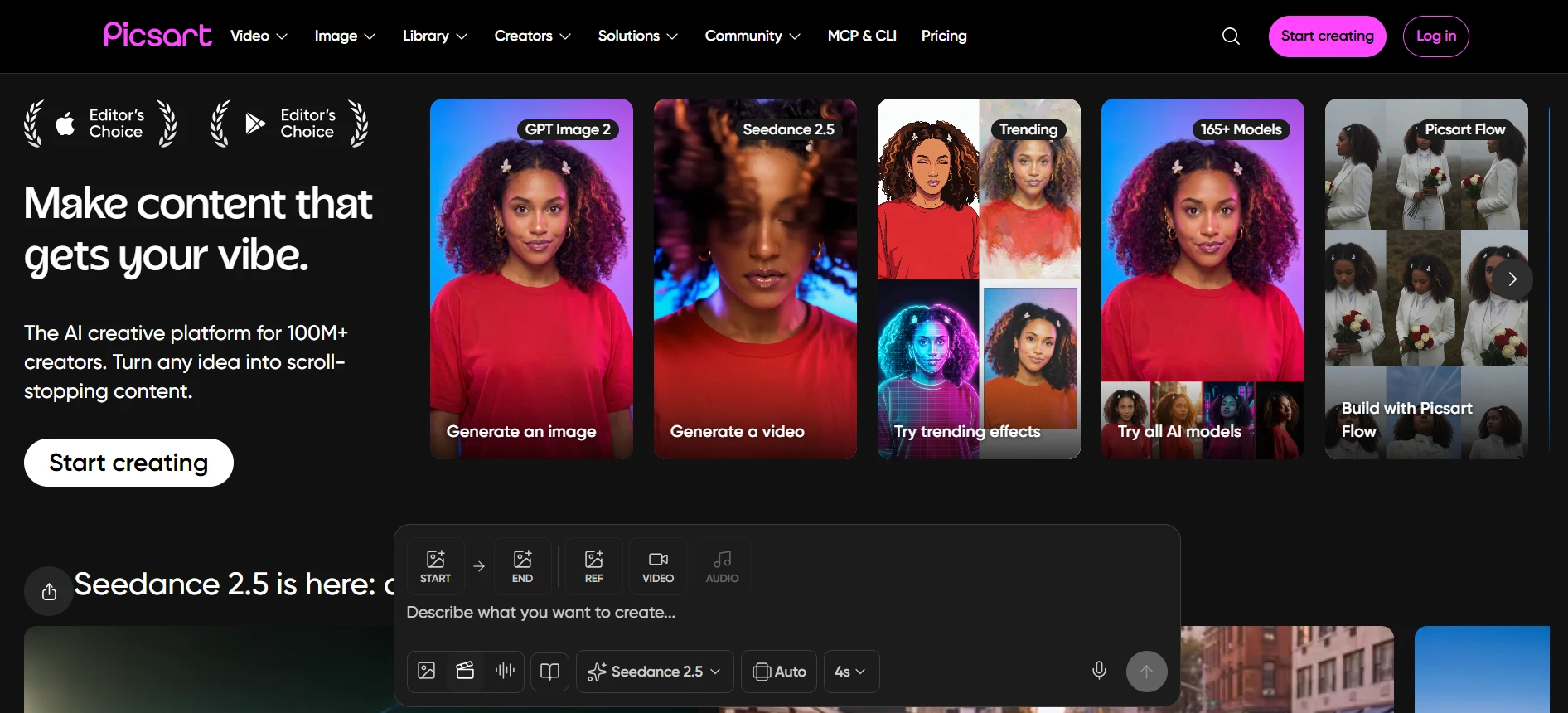
Picsart is built for people who post constantly. It pairs an image generator with a full editing suite, so you can create something from a prompt and then, without switching apps, crop it, add text and stickers, swap the background, and drop it into a template already sized for Instagram or a story. That whole-pipeline convenience is the real selling point.
For social media managers and small businesses, that usually beats chasing gallery-grade art. You need something on-brand and finished in a few minutes, and Picsart's huge library of templates and assets gets you there. The generated images are good rather than jaw-dropping, and the interface can feel busy because there's so much packed in, but at around $5 a month it's hard to argue with the value. There's a free tier too.
Best for: cranking out social posts without hopping between tools.
5. Ideogram
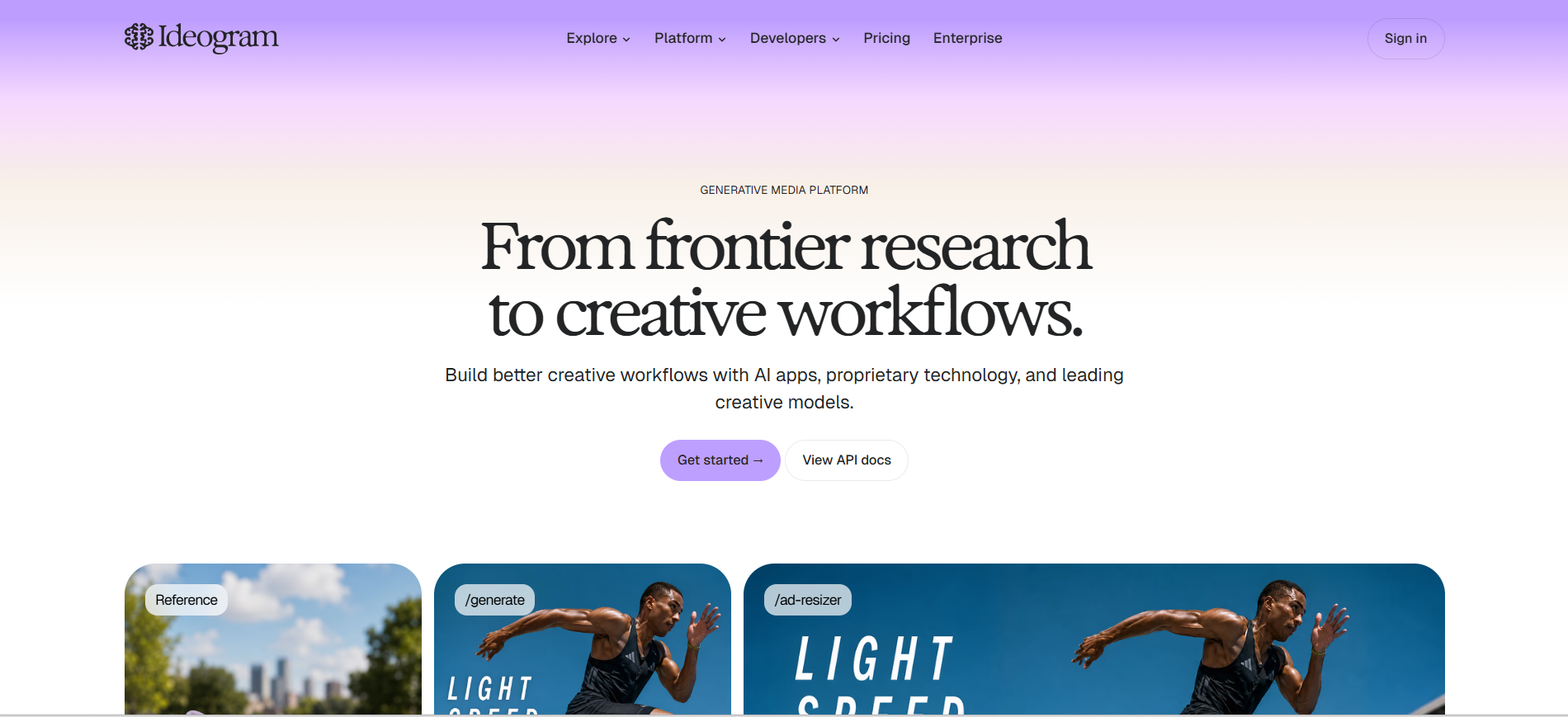
For years, the joke about AI images was that they couldn't spell. Ideogram is the tool that mostly fixed that. If you need a poster, an ad, a book cover, or any graphic where the words have to be readable and correct, this is the one that reliably delivers real, legible typography.
It's grown past that party trick, too. The latest version improved general image quality and added a proper editor, a remix feature, and batch generation, so it's a well-rounded tool now rather than just "the text one." There's even a Magic Prompt option that fleshes out a short prompt for you, which is handy if you're not sure how to describe what you want.
General artistic quality is good but not quite Midjourney territory, and images are public by default on the free plan. Paid plans start around $8 a month.
Best for: anything with words in it.
6. Leonardo AI
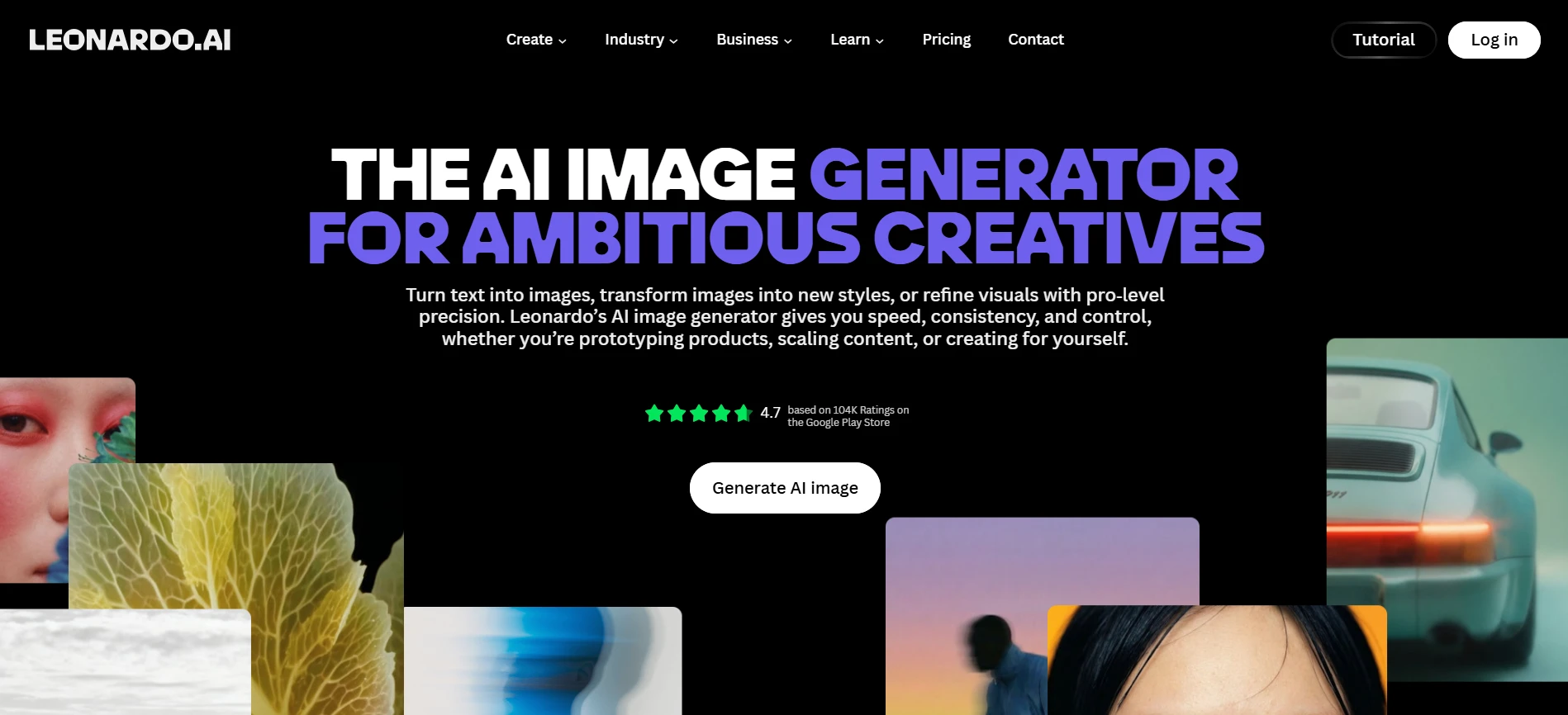
Leonardo has a loyal following among game developers and concept artists, and it's easy to see why. It's less a single prompt box and more a production suite, with fine-tuned style models, tools to keep a character consistent across images, and a real-time canvas. When you need a big library of assets that all feel like they belong together, that consistency is gold.
You can even train custom models on your own style, which is where it really separates from the pack for studios and serious hobbyists. The trade-off is the learning curve. There are a lot of settings, and a casual user just wanting a quick image might find it more than they need.
It's generous with a free daily allowance, and paid plans kick off around $10 a month.
Best for: producing lots of on-theme assets for games or projects.
7. Recraft
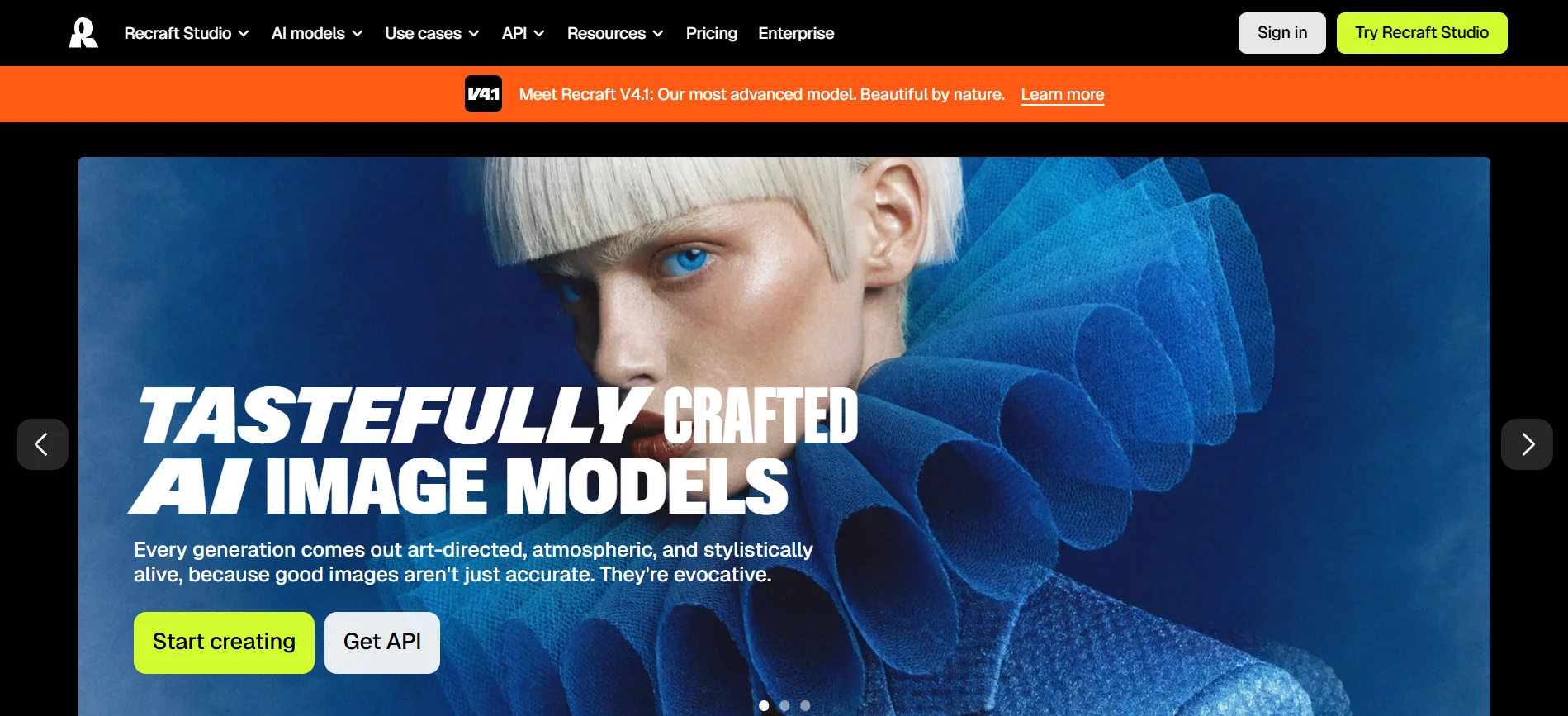
Recraft is the one designers get excited about, because it produces actual vector graphics, SVGs, icons, and illustrations you can scale and edit, not just flat images. That alone makes it genuinely useful in a way most of these tools aren't. It's also topped a few independent quality leaderboards, so this isn't a case of niche-but-mediocre.
Its best feature is brand styles: set a look once and everything you generate after that matches it. If you're building a coherent visual system rather than one-off pictures, that's exactly what you want. Add inpainting, mockups, and an infinite canvas and it starts to feel like a real design tool.
It leans more toward design work than free-form art, and it's a touch more complex for non-designers, but for the right job it's brilliant. Free tier to start, paid from about $10 a month.
Best for: scalable vectors and keeping a brand consistent.
8. Canva Magic Media
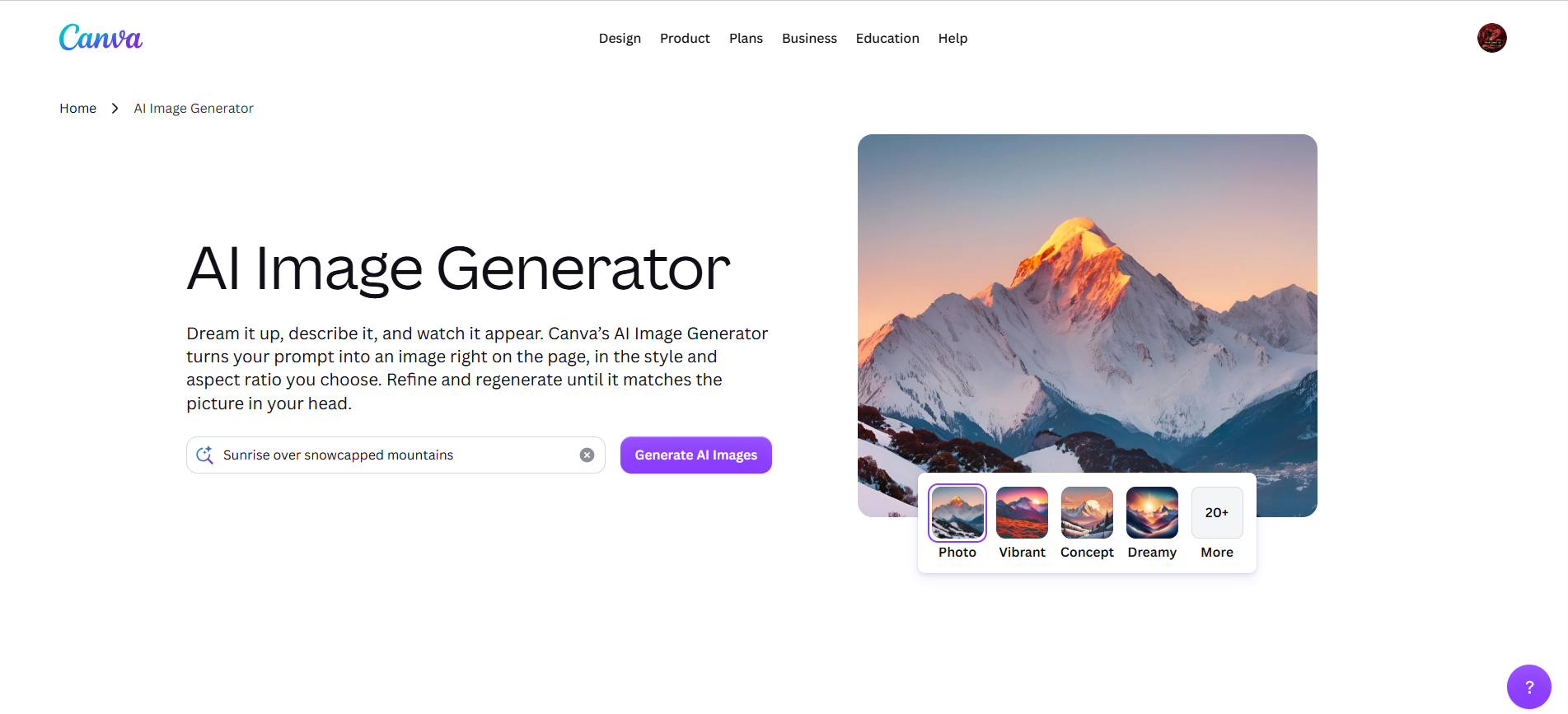
Canva's advantage isn't raw image quality, it's that the generator lives inside the tool millions of people already use. You type a prompt, get an image, and it's instantly sitting in your design, ready to drop into a post, slide, or flyer and edit with everything else Canva gives you. No exporting, no importing, no friction.
For a marketing team or a small business, that convenience usually wins. When the goal is a finished, on-brand asset in a couple of minutes rather than a portfolio piece, this is the path of least resistance, and it plugs into your Brand Kit so colors and fonts stay in line.
The honest caveat: the image quality is fine, not elite, and it's really only worth it if you're already in the Canva world. It's free with limits, and you get more with Canva Pro at roughly $15 a month.
Best for: non-designers who want an image and a finished design in one place.
9. Krea AI
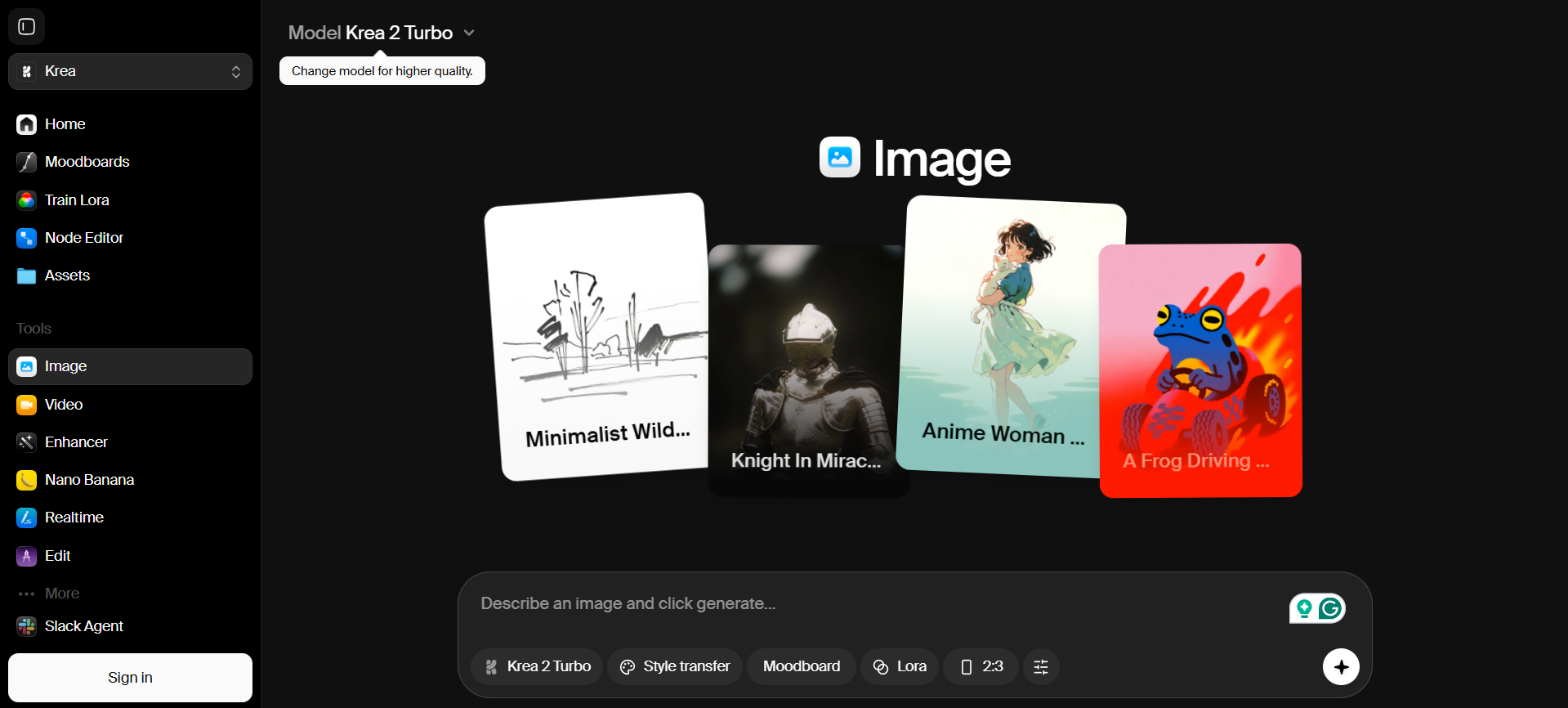
Krea is all about speed. Its real-time canvas updates the image live as you type or sketch, so instead of firing off a prompt and waiting, you're steering the result as it forms. If you work by iterating, that tight feedback loop genuinely changes how it feels to create.
It also has one of the best upscalers going, and plenty of people subscribe for that alone. Feed it a rough, low-res, or older image and it comes back sharp and detailed. Toss in sketch-to-image and custom style training and it's a versatile little suite for both making and fixing visuals.
The free tier is limited, and some of the power features clearly assume you know what you're doing. Paid plans start around $10 a month.
Best for: iterating quickly and rescuing low-resolution images.
10. Freepik, now Magnific
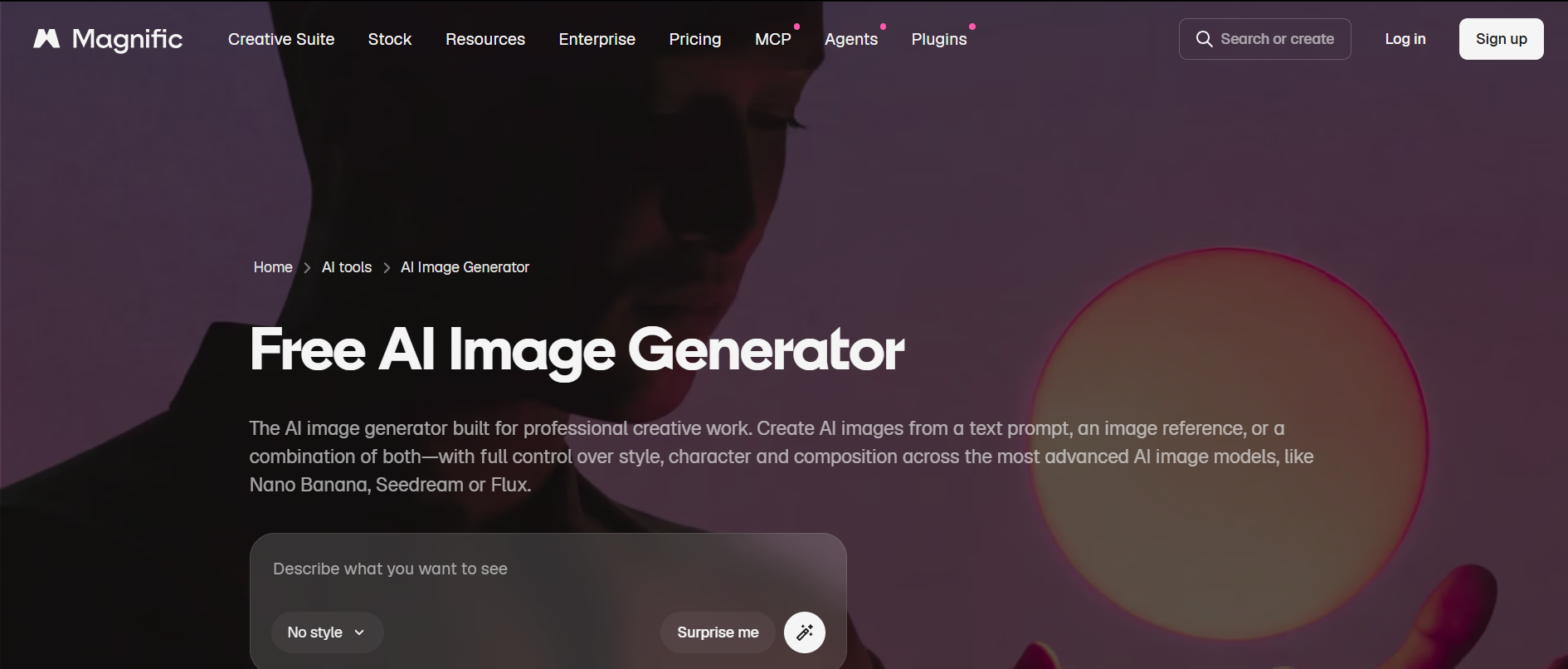
Freepik folded its AI generator into Magnific, and the two now sit alongside its enormous stock library of photos, vectors, and templates. Rather than betting on one model, it lets you pick from several leading ones per project, which makes it a flexible catch-all for everyday commercial visuals. The fact that you can grab generated images and traditional stock in the same place is genuinely convenient.
Around the generator sit the usual extras, upscaling, background removal, retouching, even AI video, so you're getting a lot of range without stacking up separate subscriptions. It's especially handy when a project needs a mix of made-to-order and off-the-shelf assets.
Quality does depend on which underlying model you choose, and the interface has a lot going on. But for the money it's a strong all-rounder, starting from around $5 a month with a free tier to try.
Best for: an affordable, do-a-bit-of-everything option.
So which one should you actually use?
If you skimmed straight to here, no judgment. Quick version:
- Want the best-looking result, full stop? Midjourney.
- Need it to match your prompt exactly? Reve.
- Selling products online? Photoroom.
- Posting to social all day? Picsart or Canva.
- Making anything with text? Ideogram.
- Building game or concept assets? Leonardo.
- Designing scalable, on-brand graphics? Recraft.
- Upscaling or iterating fast? Krea.
- Want one affordable tool that does a bit of everything? Freepik (Magnific).
Honestly, most people we know end up using two: one for the main image and a second for a specific job, like Ideogram for text or Photoroom for product shots. The free tiers make it painless to try a few, so run your own real prompts through them for a day before you commit. That tells you more than any review, ours included.
A few common questions
What's the best AI image generator right now? For pure image quality, Midjourney still leads. But "best" really does depend on the task, Reve wins on accuracy, Photoroom on product shots, Ideogram on text. There isn't one answer that fits everyone.
Which ones are actually free? Reve, Ideogram, Leonardo, Krea, Picsart, and Freepik all have free tiers worth using, and Canva's generator is free inside Canva. Midjourney is the main holdout with no free option.
Can I use the images for commercial work? Usually, but check first. Photoroom and Freepik are built with commercial use in mind, and Midjourney grants commercial rights on paid plans. Always read the specific tool's terms before using anything for a client.
Which is best for text inside an image? Ideogram, comfortably, with Reve close behind. Both are solid choices for posters, ads, and social graphics where the words have to be right.
What about product photography? Photoroom is purpose-built for it and hard to beat if that's your main need.
One last thing
The best AI image generator is simply the one that fits what you're making and the way you work. Pick two or three from this list, spend an afternoon with their free versions, and you'll know pretty quickly which one clicks.
Great visuals help your content land, but getting it seen is a different game, and that comes down to authority. If you'd like the pages behind your images to actually rank, grab a free backlink audit and we'll show you how to build the links that put your content in front of more people.